Data and annotations
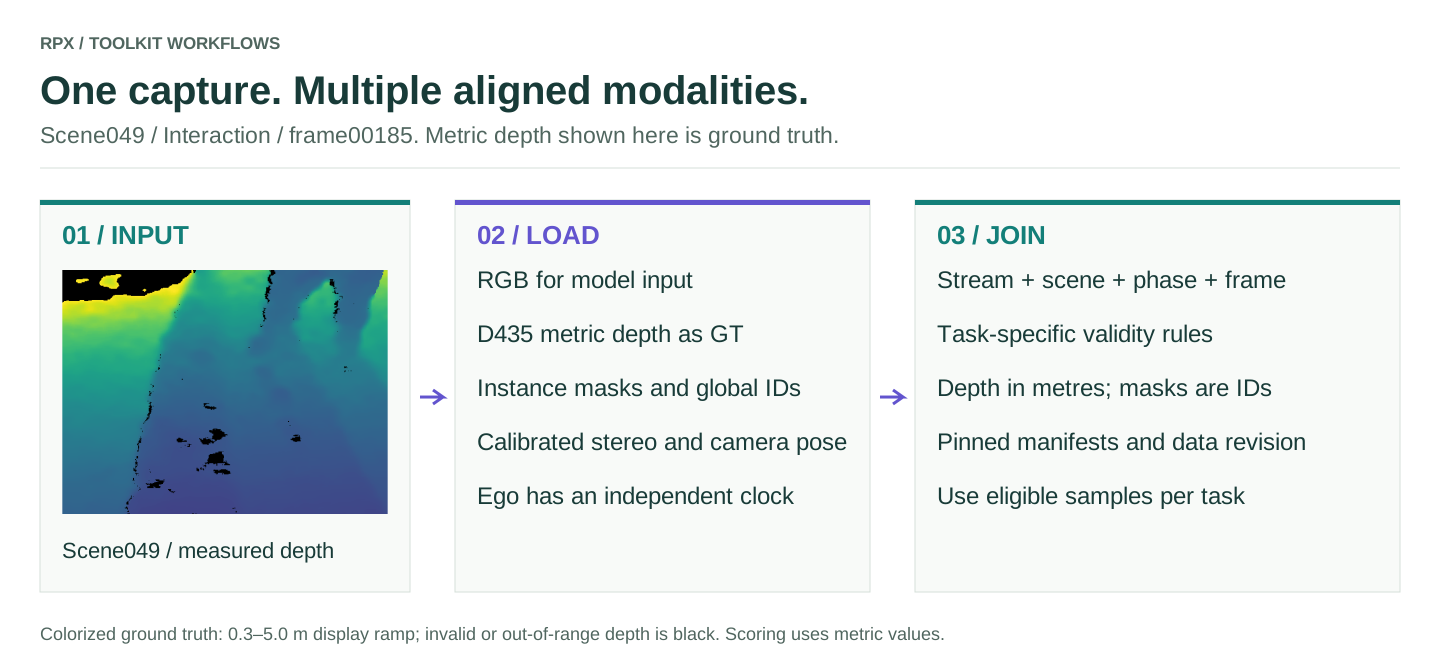
RPX follows the same objects through every phase of a scene, and all six tasks are scored on those same captures rather than on separate datasets.
What the release contains
The release has 133,121 frames. A frame is counted once: its RGB, depth, masks and stereo files are modalities of the same capture, not extra frames.
| Stream | Captures | Frames |
|---|---|---|
| MOS (exocentric) | 100 scenes × 3 phases × 250 frames | 75,000 |
| SOS (single object) | 70 objects × 500 frames | 35,000 |
| Ego | 100 Interaction clips, variable length | 23,121 |
| Total | MOS + SOS + Ego | 133,121 |
Every frame is listed in manifest/frames_v1.parquet. hub.fetch_manifest
loads the per-task JSON manifests, not this inventory, so download it from the
Hub directly. Include the stream (scene_type) when checking uniqueness:
exocentric and ego frames can share a scene, phase and frame index. Older or
local manifests may list fewer ego clips; the release inventory is the reference.
from huggingface_hub import HfApi, hf_hub_download
import pyarrow.parquet as pq

revision = HfApi().dataset_info('IRVLUTD/RPX', revision='main').sha
path = hf_hub_download('IRVLUTD/RPX', 'manifest/frames_v1.parquet',
                       repo_type='dataset', revision=revision)
frames = pq.read_table(path)
print(revision, frames.num_rows)
Save the printed revision with your results.
Capture views
The exocentric Clutter, Interaction and Clean recordings have RGB-D, masks, stereo and pose. The egocentric RGB is recorded during Interaction on its own clock, so ego and exo frames are not synchronized.
Metric depth and instance masks
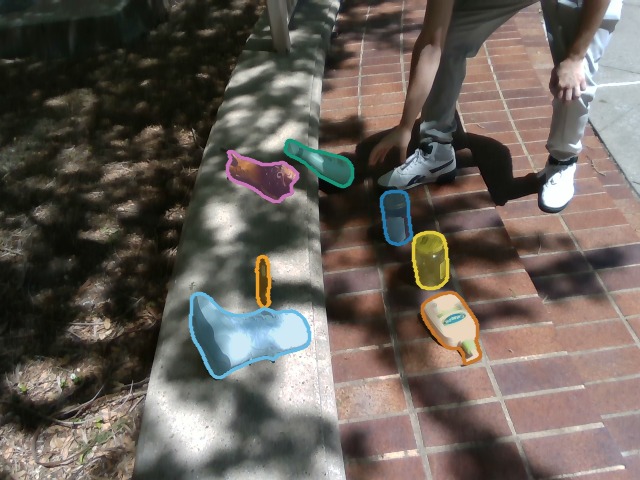
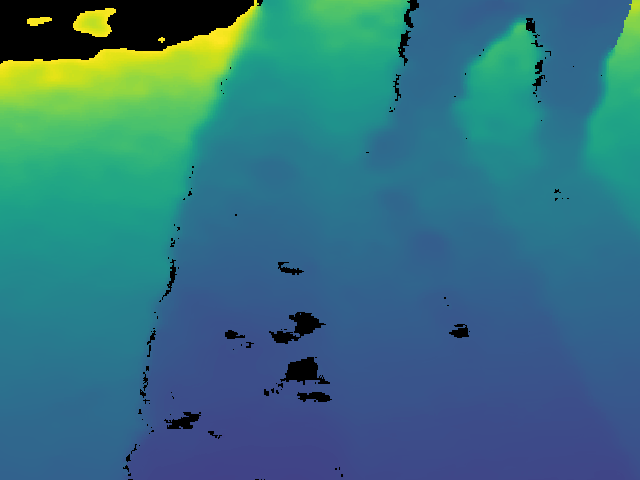
The images below are scene 049, Interaction, frame 00185. The depth is colorized over 0.3–5.0 m for display, with invalid or out-of-range pixels in black; benchmarks load the metric values and their validity mask. Mask values are instance IDs, not depth or confidence.
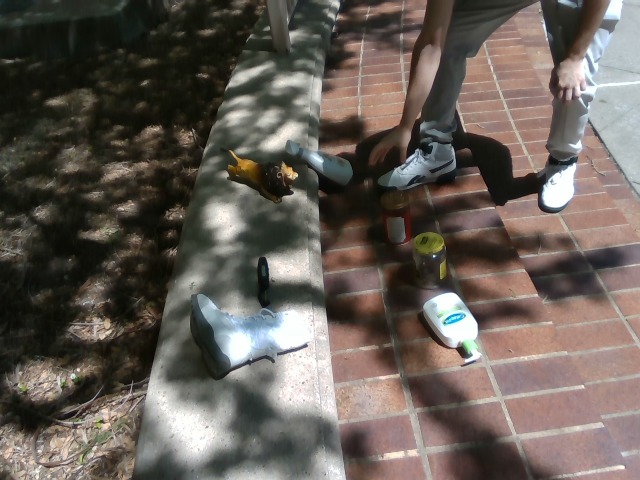
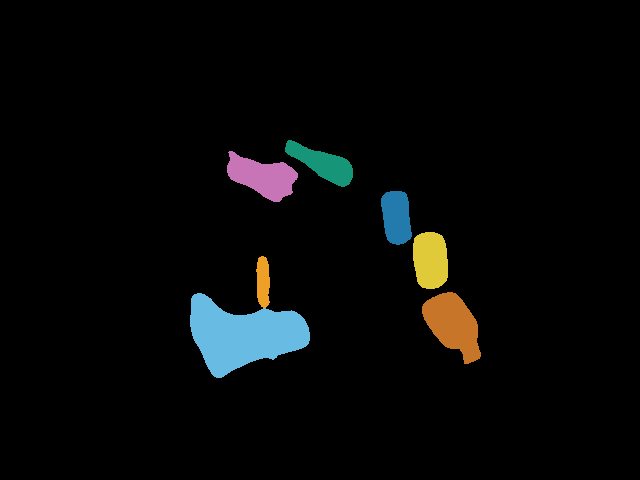
Mask IDs map each object in a frame to its persistent, global identity. The benchmark reads the released IDs, not the overlay colors.
How masks are annotated
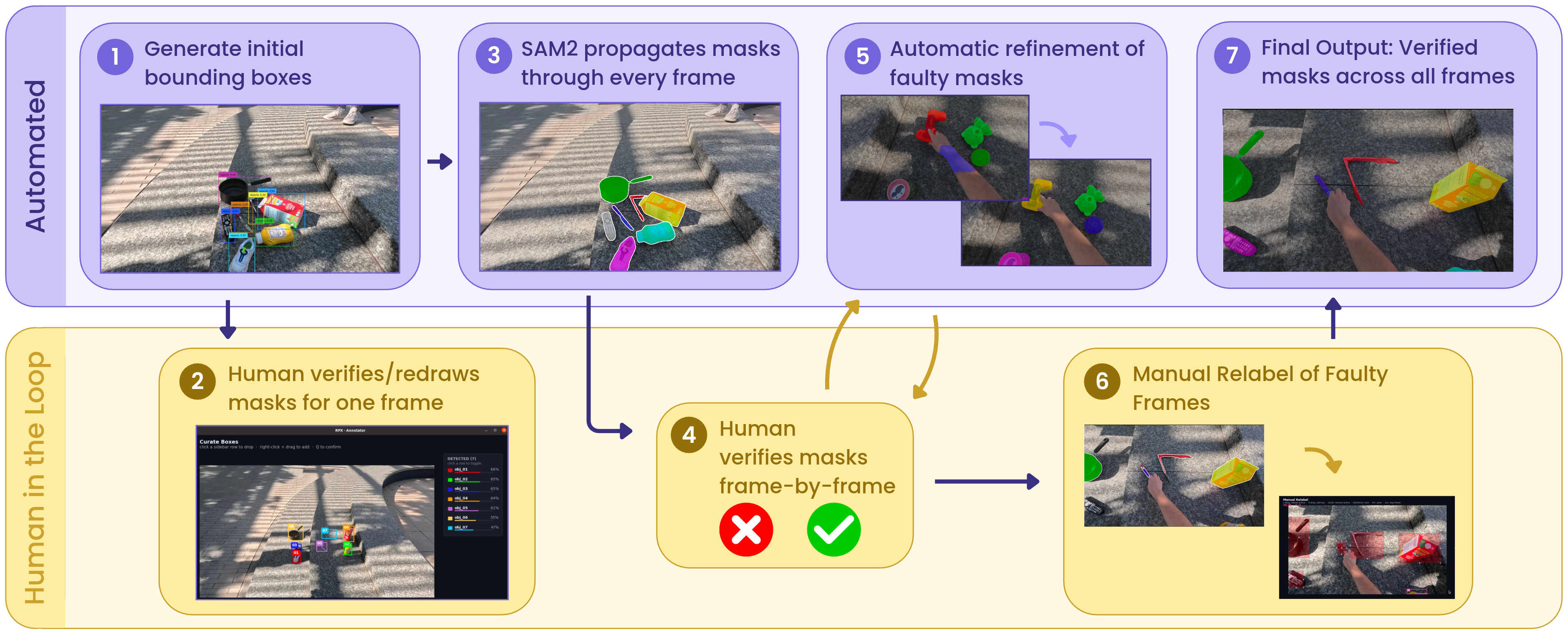
SAM2 propagates masks automatically; people verify every frame and correct the failures. The figure uses a different scene from the rest of these pages. The mask annotation guide has the tools, commands and review steps.
Stereo and pose
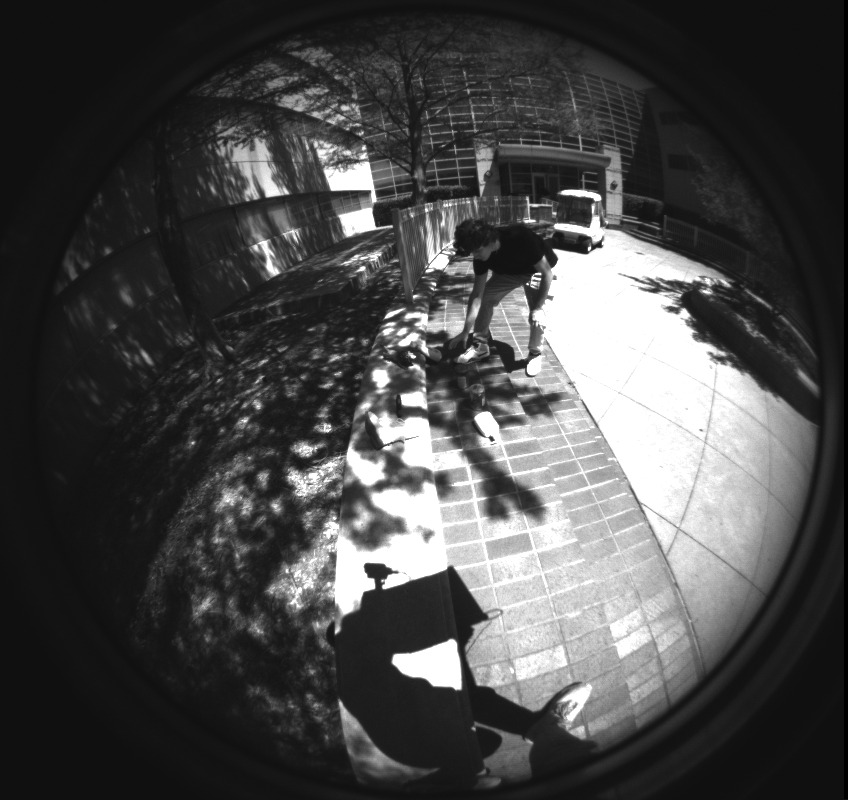
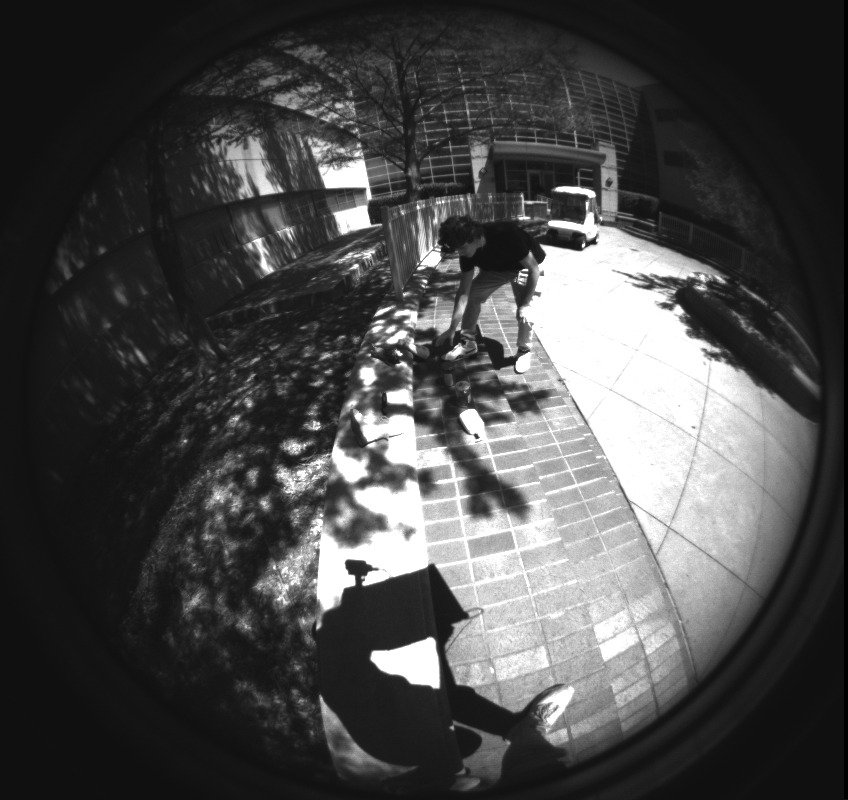
T4 uses its own image-pairing protocol and pose ground truth. Which phase pairs are evaluated is set by that protocol, not by which captures have stereo or pose.
Check a dataset before benchmarking
Check modality paths, shapes, depth units and camera conventions, and that scene, frame, mask and object IDs join up. Use the same versioned split and validity rules for every model. The loader and task APIs define how all of this enters a run.
Get started · Model integration · Hub API
The photos on these pages are scene 049's released captures, rebuilt by tools/docs/build_scene_media.py; provenance.json lists the source and hash of every image.