T4 WALKTHROUGH
Relative camera pose
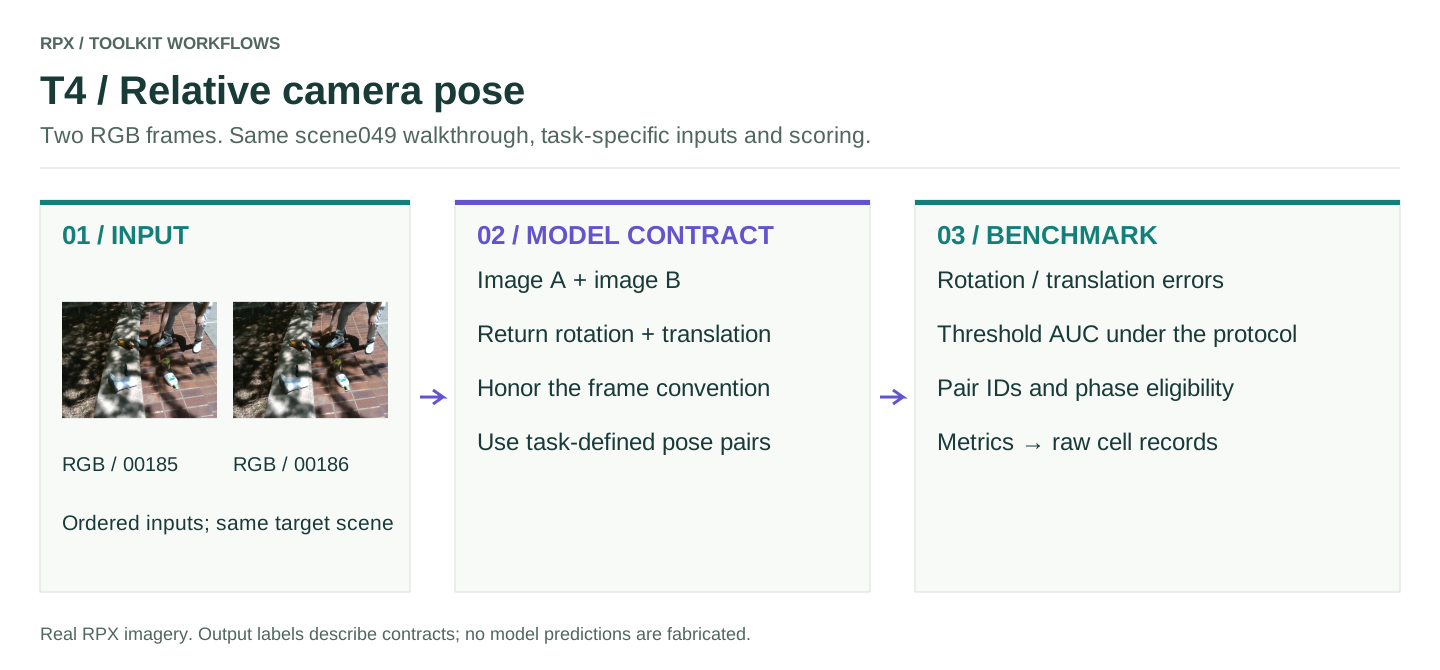
Takes two RGB frames and returns the relative pose: a 3 × 3 rotation and a translation 3-vector, in the manifest's coordinate convention.
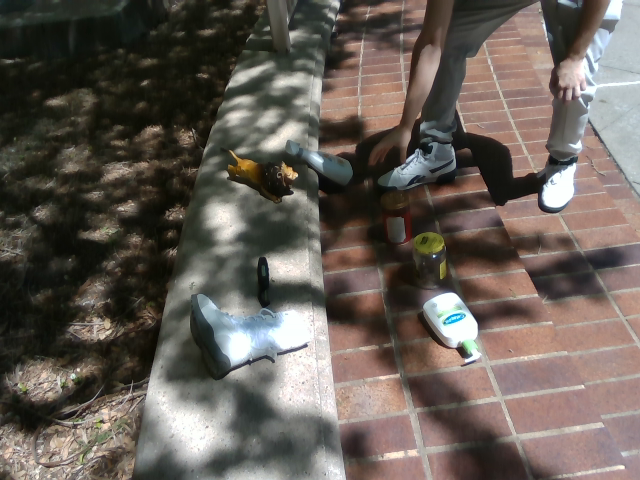
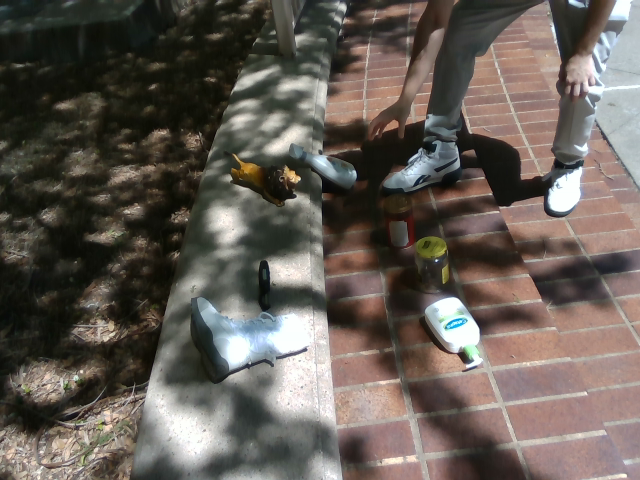
Two adjacent frames from scene 049, shown only to illustrate the input. The benchmark scores pose pairs from Clutter and Clean, chosen by the pose protocol; Interaction is never used for T4.
Connect your model
Put your prediction function in my_model.py. Load the model or API client once, at module level, rather than on every call.
import numpy as np

def predict_pose(rgb_a, rgb_b):
    rotation, translation = model.predict_pair(rgb_a, rgb_b)
    return {'rotation': np.asarray(rotation), 'translation': np.asarray(translation)}
Return the pose of camera B relative to camera A, in metres. Keep the A/B order; a zero translation has no direction and can't be scored for it.
Run the benchmark
Install the toolkit with pip install 'rpx-benchmark[hub,schemas]'. The smoke test checks the install; the second tab scores your model.
This runs the real evaluator on a few synthetic inputs with a placeholder model. Nothing is downloaded and no weights are needed. The output directory must be new or empty.
Run this from the directory that contains my_model.py. Without --manifest, the command downloads the data it needs first.
python -m rpx_benchmark.examples.benchmark_tasks \
  --task T4 \
  --model my_model:predict_pose \
  --model-name my-model \
  --model-revision exact-checkpoint-or-api-version \
  --output results/my-model/T4 \
  --device cuda \
  --split easy \
  --max-samples 10
Ten samples are enough to check the wiring; drop --max-samples to score the whole split. To use data you already have on disk, add --manifest path/to/manifest.json (see using local data).
Read the results
The output directory holds result.json, summary.md, per-sample tables and cell logs. run_config.json records the model revision and the manifest hash. From Python, the run_* functions return (result, report, paths).
Check that the number of scored samples matches what you asked for. Keep the per-sample records: Φ and 𝒥min are computed from them. Latency and memory are measured separately, with the hardware profiler.
Scoring and protocol
The manifest names both images and their ground-truth poses. Frame conventions, translation units, timestamps and which phase pairs are eligible are fixed by the protocol; nothing is inferred from your model's output.
Pair selection and the threshold AUC are defined in pose_pairs and pose_metrics. The smoke test only checks the adapter and reports; reproducing the paper's numbers needs its pair protocol.
Before a full run
Check units, shapes, input order and sample IDs on a small run first. Pin the model revision, and keep the split and preprocessing the same for every model you compare. The smoke test only exercises the evaluator; your model still needs its own environment and weights.
Workflow figure
T4 workflow (SVG): the inputs, adapter and scoring stages for this task.