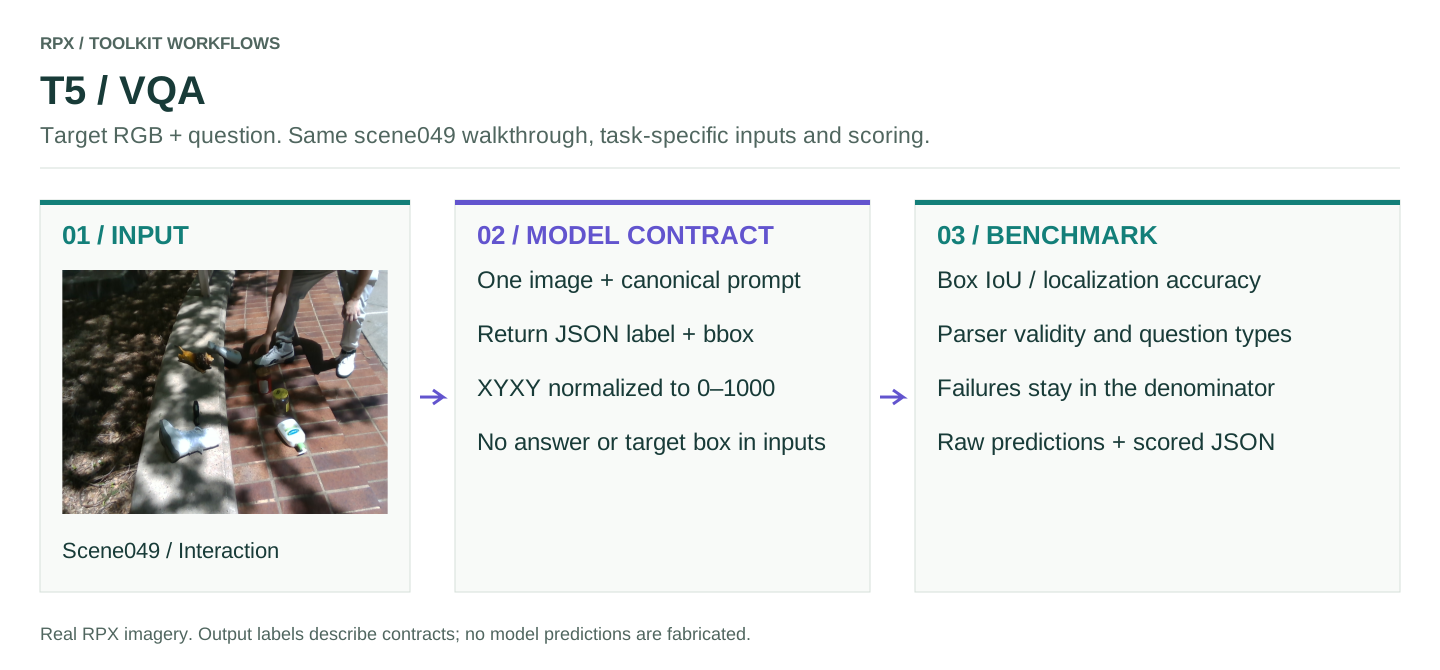
T5 WALKTHROUGH
VQA
Takes one image and a question and returns the model's raw text, which should contain a JSON object with a label and a bbox.
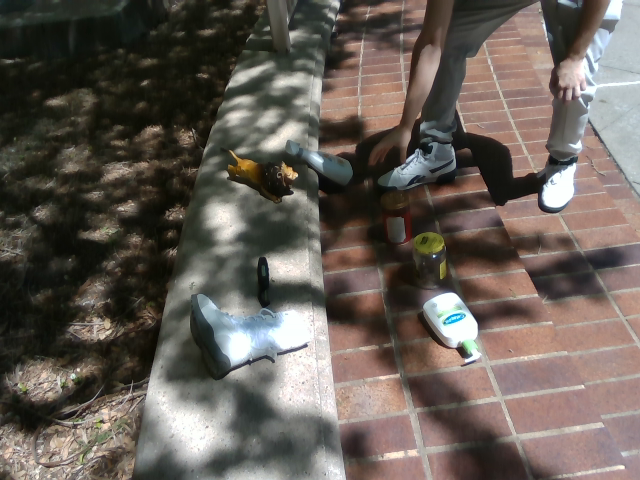
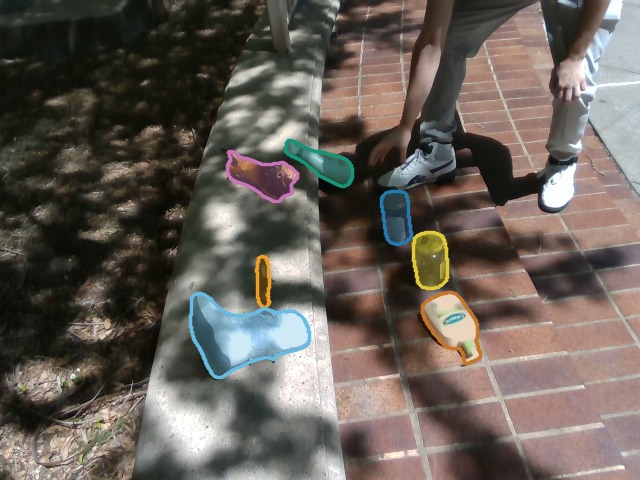
Scene 049, Interaction, frame 00185. The masks on the right are what the evaluator scores against; the model only gets the RGB image and the question.
Connect your model
Put your prediction function in my_model.py. Load the model or API client once, at module level, rather than on every call.
def predict_vqa(image_paths, prompt, max_new_tokens, output_kind):
    # image_paths holds the target image; client is your local model or API client
    return client.generate(images=image_paths, prompt=prompt,
                           max_new_tokens=max_new_tokens)
Return the model's text as is; RPX parses it. Responses that fail to parse, and calls that raise, are scored as failures rather than skipped.
Run the benchmark
Install the toolkit with pip install 'rpx-benchmark[hub,schemas]'. The smoke test checks the install; the second tab scores your model.
This runs the real evaluator on a few synthetic inputs with a placeholder model. Nothing is downloaded and no weights are needed. The output directory must be new or empty.
Run this from the directory that contains my_model.py. Without --manifest, it scores the 58 T5 questions packaged with the toolkit, pinned to the dataset release, and downloads only their images.
python -m rpx_benchmark.examples.benchmark_tasks \
  --task T5 \
  --model my_model:predict_vqa \
  --model-name my-model \
  --model-revision exact-checkpoint-or-api-version \
  --output results/my-model/T5
The packaged questions are a quick-start set, not the paper's full split. To score more, build a canonical manifest (how) and pass it with --manifest and --image-cache. Every row of a manifest you pass is scored, and --max-samples is refused, so cut the manifest itself for a short run. Keep each row's question, box, image locator and reference metadata intact.
Read the results
run_config.jsonModel and evaluation settingspredictions.jsonlRaw responses for each questionresult.jsonScored metrics and failure countsCheck that the number of scored samples matches what you asked for. Keep the per-sample records: Φ and 𝒥min are computed from them. Latency and memory are measured separately, with the hardware profiler.
Scoring and protocol
The model sees only the image and the prompt; boxes and answers stay with the evaluator. Boxes are [x1, y1, x2, y2] normalized to 0–1000, for example {"label":"cup","bbox":[100,200,600,800]} (an illustration, not scene049's ground truth). Yes/no questions expect yes or no.
Scores include box IoU, accuracy at IoU thresholds, parse validity and a breakdown by question type. Malformed responses and inference errors count as failures; an error fetching the dataset stops the run. Label accuracy is reported separately from localization. For API models, the recorded wall time includes network transport.
Before a full run
Check units, shapes, input order and sample IDs on a small run first. Pin the model revision, and keep the split and preprocessing the same for every model you compare. The smoke test only exercises the evaluator; your model still needs its own environment and weights.
Workflow figure
T5 workflow (SVG): the inputs, adapter and scoring stages for this task.